
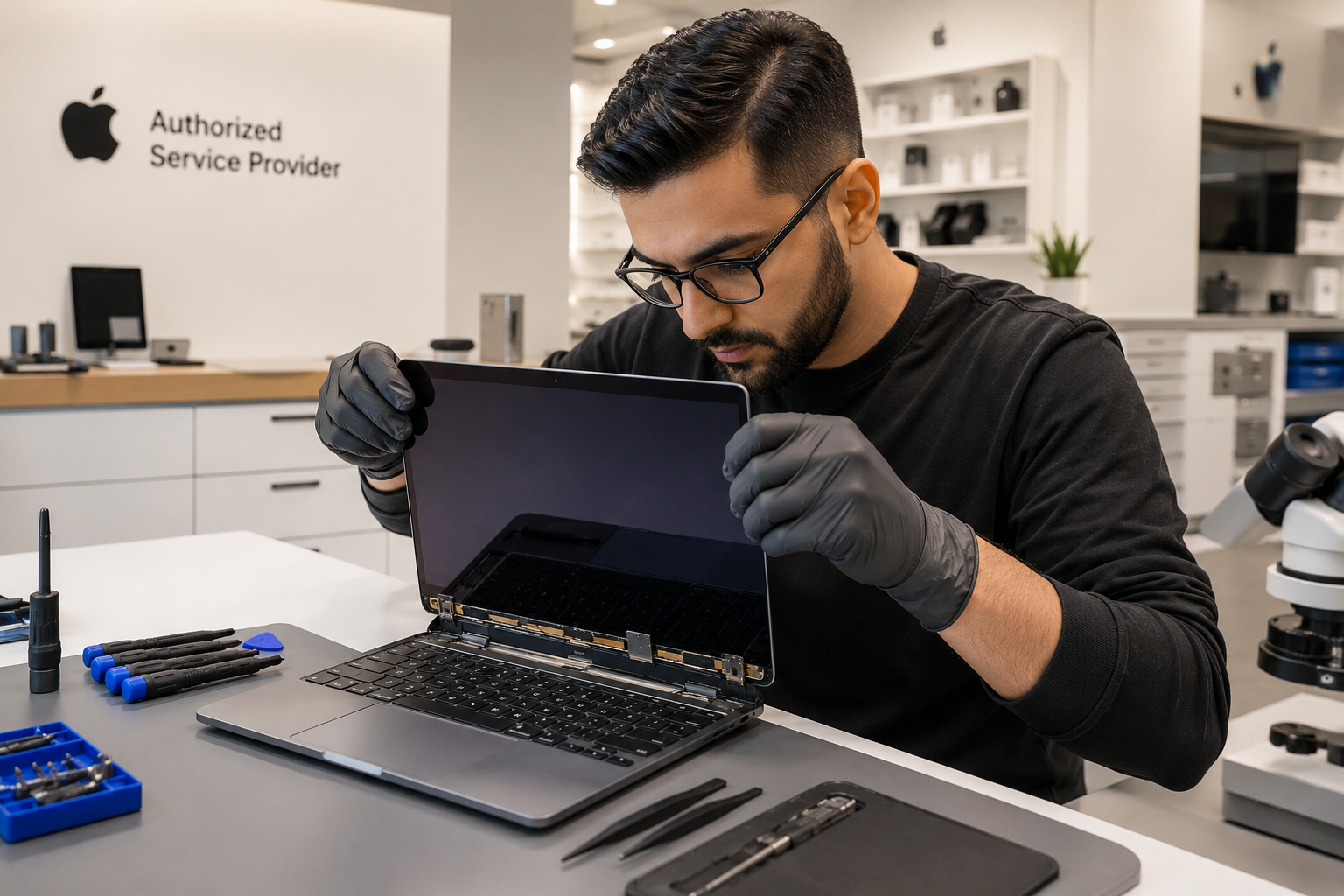
You're working on your MacBook and it slips off the desk. Or maybe the display just started acting strange — flickering lines, a dark patch spreading across the corner, or a crack running right through the middle of the screen. Whatever happened, one thing is clear: something is wrong with your Mac's display, and you need it fixed properly.
Mac screen repair in Miami is something we handle every single day here at Computer Village. Since 1978, we have been Coral Gables' trusted Apple Premier Partner — and display damage is one of the most common issues that walks through our doors. MacBook screens are precision components, and not all repair shops have the parts, the tools, or the Apple-specific expertise to replace them correctly.
This guide walks you through everything worth knowing — what causes Mac display damage, what the repair process looks like, what drives the cost, and what to look for in a repair shop that will actually do it right.
Section 1: Understanding Mac Screen Damage — It's More Than Just a Crack
A cracked or malfunctioning Mac screen can look like a simple problem, but what's happening underneath matters a great deal when it comes to getting the right repair.
The Layers Inside a Mac Display
MacBook displays are not just a single pane of glass. They consist of multiple bonded layers — the outer glass, the LCD or Retina display panel, and the backlight assembly. On newer MacBook Pro models, the display also integrates ProMotion technology and True Tone sensors directly into the panel. All of these components work together, and damage to one layer often affects the others.
On most modern MacBooks, these layers are fused together during manufacturing, which means replacing just the outer glass without a full display replacement is rarely possible. A proper assessment tells you exactly what needs to be replaced — and what doesn't.
Types of Display Damage We See Most Often
Physical cracks are the most obvious, but Mac displays fail in other ways too. Pressure damage causes dark spreading blotches on the screen even when the glass appears intact. Backlight failure makes the display dim or dark while the Mac is still running. Flickering, color distortion, or vertical lines usually point to a damaged display cable or a failing panel. And liquid damage — common in Miami's humid climate — can corrode internal display components even when the outside of the laptop looks fine.
When to Act Quickly
Some display issues get worse over time if left alone. A small crack under daily pressure can spread. Backlight problems that start as occasional dimming often become permanent. And if moisture has reached internal components, corrosion develops quickly in South Florida's heat and humidity. Getting your Mac assessed early almost always means a simpler, less expensive repair.
Section 2: The Mac Screen Repair Process — What We Actually Do
Repairing a Mac display is a precise process that requires Apple-specific tools and training. Here is exactly what that looks like at Computer Village.
Step One: Diagnosis First
Before anything is touched, our technicians evaluate the full display system. We identify your exact MacBook model — which matters because display assemblies differ significantly between a MacBook Air M2, a MacBook Pro 14 M3, and an older Intel model. We check the panel for physical damage, test for backlight function, examine the display cable, and assess whether the issue is hardware or software-related.
Not sure what's wrong? Book an appointment and we'll give you a clear answer before any repair begins.
Step Two: The Repair
Mac screen replacement requires careful disassembly, proper heat management for adhesive removal on fused displays, and precise reconnection of display cables and sensor components. On newer MacBook Pro models, True Tone calibration data is also transferred to ensure the replacement display performs exactly as Apple intended.
Our technicians are Apple-certified and perform these repairs regularly. Most MacBook screen replacements are completed within a day, and we provide a clear timeline before we begin.
Step Three: Testing Before You Leave
Every repaired Mac is fully tested before it leaves our shop. We verify display brightness and color uniformity, confirm touch bar function where applicable, check camera and FaceTime HD operation, and run the full display through a range of color profiles and brightness levels. You should never leave a repair shop with an untested device.
The Parts Question
Ask any repair shop what grade of replacement display they use. Apple-quality replacement panels match the original in color accuracy, maximum brightness, and True Tone behavior. Lower-grade panels often look acceptable in the store but show visible differences in real use — particularly color shift at off-angles and reduced brightness outdoors. At Computer Village, as an Apple Premier Partner, we use parts that meet Apple's own quality standards.
Section 3: Mac Screen Repair Cost in Miami — What Affects the Price
Cost varies depending on several factors, and understanding them helps you make sense of any quote you receive.
Your MacBook Model
The display assembly for a MacBook Air M2 is different from a MacBook Pro 16 M3, which is different again from an older Intel MacBook Pro. Retina displays cost more than standard LCD panels. ProMotion and mini-LED panels on the MacBook Pro 14 and 16 are the most premium components. Always provide your exact model — found under Apple menu → About This Mac — when requesting a quote.
The Extent of the Damage
A cracked outer panel on a non-Retina model is a more straightforward repair. A shattered Retina display on a current MacBook Pro involves replacing a fully fused, high-resolution assembly. Liquid damage adds complexity because internal corrosion must be assessed and cleaned before a new display can be installed reliably. For liquid-related display damage, our dedicated Mac liquid damage service covers the full assessment and repair.
AppleCare Coverage
If your Mac is covered by AppleCare+, accidental display damage may be covered with a service fee. We recommend checking your coverage before booking any repair. Our team can help you understand your options when you come in.
Diagnosis Before Commitment
Computer Village provides reliable paid estimates so you know exactly what a repair will cost before we begin. You will never be surprised by the final bill. Contact us or book an appointment to get started.
Section 4: Why Computer Village Is the Right Choice for Mac Screen Repair in Miami
There are plenty of repair options in Miami. Here is what sets Computer Village apart.
Apple Premier Partner Since 1978
We have been serving Miami-Dade County as an Apple Premier Partner for over four decades. That means Apple-certified technicians, Apple-quality parts, and a depth of Mac-specific experience that most repair shops simply cannot match. We have repaired every MacBook model since the original — and we know the specific quirks, cable routing, and calibration requirements of each one.
The Full Mac Ecosystem Under One Roof
Computer Village handles Mac computer repair, Mac screen repair, Mac data recovery, Mac battery replacement, and Mac liquid damage repair — all at the same Coral Gables location. If your screen repair reveals a secondary issue, we can assess and address it in the same visit. We also sell the full range of MacBook Air, MacBook Pro, and iMac models, so if repair isn't the right choice for your situation, we can help you transition to a new machine with your data intact.
Onsite and Business Support
For businesses and professionals, we also offer managed IT services and onsite support and maintenance. A broken MacBook display doesn't have to mean a full day out of the office.
Convenient Location
We are at 1140 S. Dixie Hwy, Coral Gables, FL 33146 — right in front of the University of Miami campus. Open Monday through Friday 9:30 AM–6:00 PM and Saturday 9:30 AM–5:00 PM. Book an appointment online or call us at (305) 667-7400.
FAQs: Mac Screen Repair Miami
How long does a Mac screen repair take at Computer Village? Most MacBook screen repairs are completed within one business day. More complex cases involving liquid damage or hard-to-source parts for older models may take longer. We give you an accurate timeline before the repair begins.
My MacBook display has dark spots but no visible cracks. Is that screen damage? Yes. Dark spreading patches on a Mac display without any visible cracking are typically caused by pressure damage to the LCD panel — often from the screen being pressed against something in a bag, or from a localized impact. The display panel needs to be replaced. Schedule a diagnostic appointment to confirm.
Can liquid damage affect my MacBook screen even if it looks fine? Yes, and this is especially common in Miami's humid environment. Moisture can reach the display cable or backlight components and cause delayed failure — flickering, discoloration, or complete display failure — days or weeks after the initial exposure. Our Mac liquid damage service includes a full inspection of display components.
Is it worth repairing an older MacBook screen? In most cases, yes — especially if the rest of the machine is functioning well. We will give you an honest comparison of repair cost versus the current value of your Mac so you can make an informed decision.
Do I need an appointment? We recommend booking an appointment so we can allocate time for a proper evaluation, but you are always welcome to stop in during business hours.
Does Computer Village repair iMac displays too? Yes. In addition to MacBook repairs, we service iMac display issues as well. Contact us to discuss your specific model and issue.
This article is for general informational purposes only. For an accurate assessment of your specific Mac and display damage, bring your device into Computer Village or book an appointment online. Our Apple-certified technicians are here to help.